
Zayvro

One AI Workspace WhereYour Company's Work Gets Done

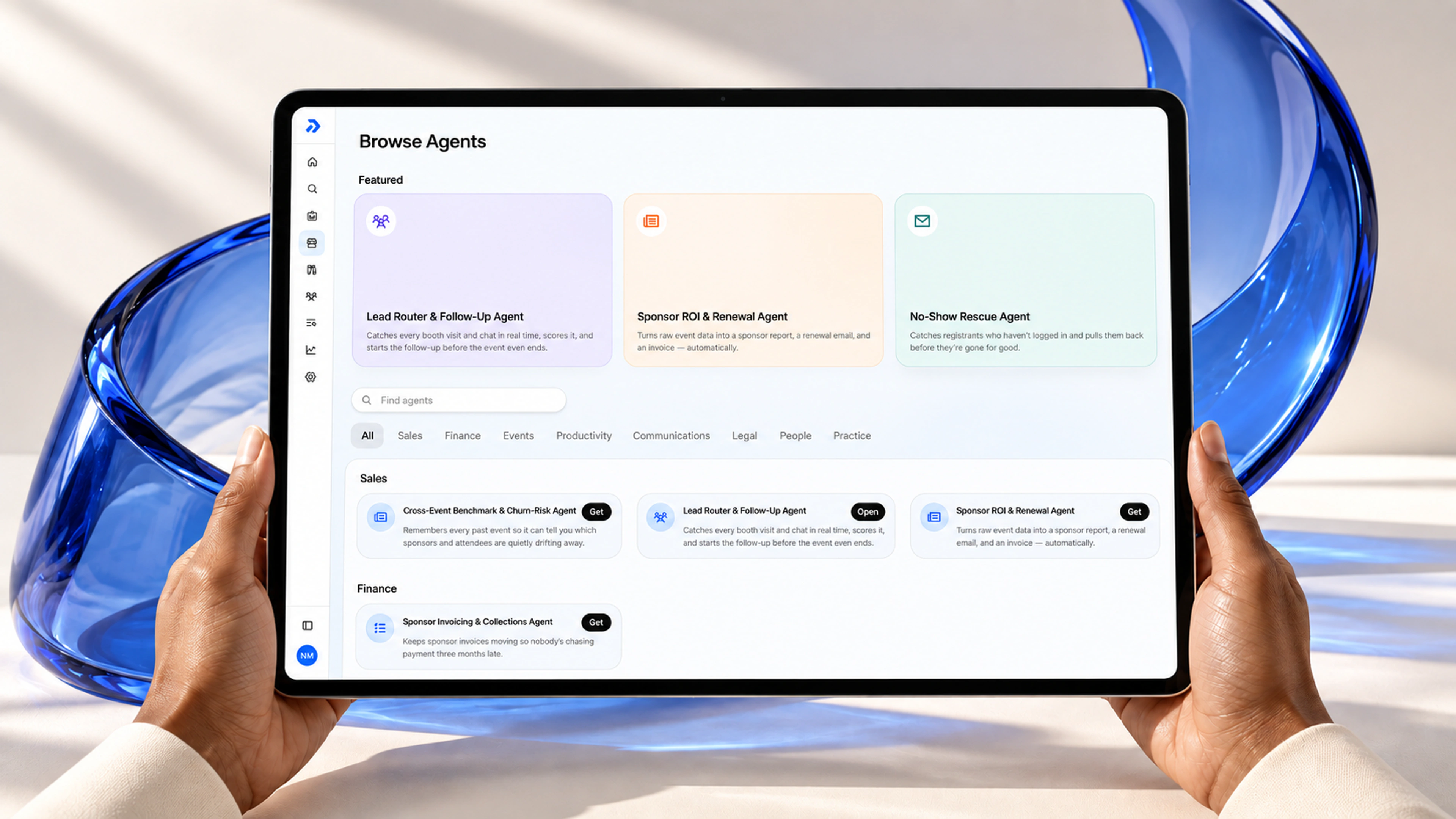
Your knowledge, tools, and AI agents in one secure workspace.Agents find answers, run tasks, and complete work with your approval.

Our View of the Shift

From scattered tools to one controlled workspace

Company knowledge

Documents

Policies, reports, guides

Apps

CRM, Drive, Slack, email

Rules

Compliance, guardrails

Roles

Permissions, ownership

Terminology

Glossary, definitions

Domain knowledge

Playbooks, templates

One AI Workspace

Knowledge, tools, and AI together

Today

Your AI Workspace

Knowledge scattered across folders, apps, and people's heads

One workspace where knowledge, tools, and AI work together

Manual follow-ups and reports, rebuilt every week

Agents handle repeat work, on demand or on a schedule

AI tools that answer questions but can't touch your work

Tasks completed across your systems, not just answered

No record of what was done, or by whom

Every action approved by your team and logged

What's inside the workspace

Connections, vault, main agent, assistants, and governance. One controlled layer where your team stays in charge.

Knowledge Vault with approved standards, scope, and project files

Knowledge Vault visualization

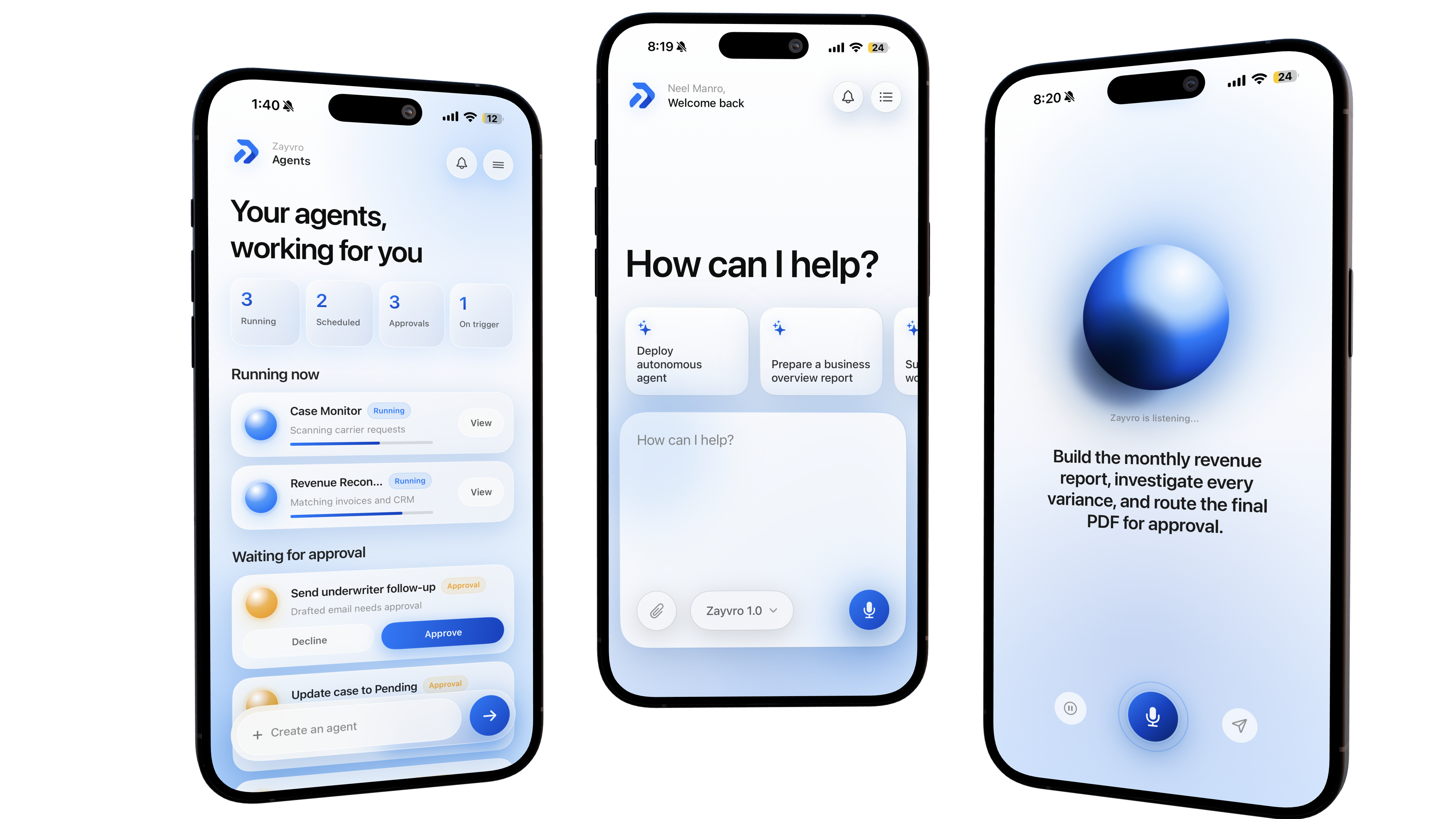
Main AI Agent for on-demand tasks across knowledge and tools

Main AI Agent visualization

Connections to the tools you already use

Connections visualization

AI Assistants for repeat workflows, on demand or on a schedule

AI Assistants visualization

Governance built into every action

Governance visualization

Human approval before anything goes out

Human approval visualization

We build your AI Workspace for you

This is not software you set up yourself. We do it with you, end to end.

01

We understand your business

We sit down with your team and map how your company actually works. Your documents, standards, tools, rules, and workflows.

Documents

Apps

Rules

Roles

Terminology

Domain Knowledge

02

We build your workspace

Your knowledge goes into a secure vault, your tools get connected, and your agents are set up around your workflows.

Company Knowledge

System Connections

Workflows

Guardrails

Permissions

Learns Your Business

03

Your team puts it to work

Assign tasks, approve what matters, and get finished work back. The workspace keeps learning as your business changes.

Real Tasks

Background Work

Approvals

Audit Trail

Completed Work

Always Improving

One prompt instead of hours of manual work

Manual work

Cross-check every vendor contract in Drive against the procurement tracker and hunt down missing renewal documents.

Prompt to your AI worker

Go through our vendor contracts in Drive, compare expiration dates to the procurement spreadsheet, and flag every vendor expiring in 90 days with missing renewal docs.

Manual work

Pull Q3 expenses from QuickBooks, the corporate card portal, and three department spreadsheets, then reconcile mismatches by hand.

Prompt to your AI worker

Download Q3 expenses from QuickBooks and our card portal, reconcile them against the departmental tracker, and summarize every unexplained variance over $500.

Manual work

Find non-compliant clients in the CRM, search email and shared drives for missing files, and attach them one by one.

Prompt to your AI worker

In our CRM, find all clients whose documents are not compliant, search my email for the missing files, and attach them back in the CRM.

Manual work

Read hundreds of support tickets, categorize by issue, look up the right SOP for each, and write response drafts.

Prompt to your AI worker

Review last month's support tickets, group them by issue type, pull the relevant SOP for each category, and draft response templates for the top 5 recurring problems.

Manual work

Onboard a new hire: chase signed forms, provision accounts across six tools, and schedule onboarding sessions manually.

Prompt to your AI worker

For our new hire starting Monday: confirm all onboarding forms are signed in DocuSign, set up accounts in Slack, Google, and Salesforce, and send the onboarding checklist from our HR wiki.

What Changes

Less manual prep. Better visibility. Full control.

Time saved

Less searching folders and rebuilding the same reports

Faster visibility

Status, schedule, and cost updates seen sooner

Knowledge reused

Templates and lessons learned, without starting over

Cleaner handoffs

New team members get context faster

Consistent reporting

Same format every time: updates, briefs, reviews

Controlled execution

AI runs tasks, shows sources, waits for approval

Getting Started

Live in weeks, not quarters

Phase 1

01

Discovery

Confirm workflows, tools, documents, and approvals.

Phase 2

02

Setup

Connect your files, systems, and selected tools.

Phase 3

03

Build

Knowledge vault, main agent, and first assistants.

Phase 4

04

Test

Run on real work with your team. Review and refine.

Phase 5

05

Rollout

Measure time saved and expand what works.

Security

Built for businesses that can't afford mistakes

Approval before action

AI runs the task, your team approves before anything is sent

Role-based access

You decide who sees what and who runs which assistants

Source references

Every answer shows where it came from

Full audit trail

Who asked, what ran, who approved, what happened

Encrypted

In transit and at rest

Your judgment stays

The AI prepares, your people decide

FAQ

Common questions

Is this just another chatbot?

No. A chatbot answers questions. Your AI worker opens your CRM, searches your email, updates records, and finishes the task. You get completed work back, not a reply.

How long does setup take?

Most companies are live within a few weeks. We handle discovery, system connections, and training. Your team only needs a few working sessions with us.

Is our data safe?

Yes. Data is encrypted, access is role-based, and the AI only touches the systems you allow. Every action is logged and sensitive steps require human approval.

What if the AI makes a mistake?

High-impact actions pause for approval before anything happens. Every run keeps a full history, so you can review and undo anything.

Do we need technical staff?

No. We build, connect, and maintain everything. Your team just describes tasks in plain language.

What does it cost?

Pricing depends on your workflows and systems. We scope it with you in the first call, before any commitment.

Your AI Workspace starts with one conversation

Tell us the work that eats your team's time. We'll show you what Zayvro could take off their plate.

See it in action